
Products Description
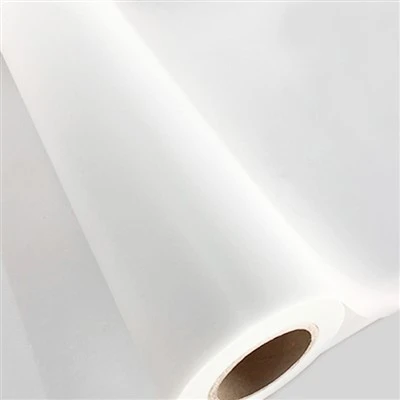
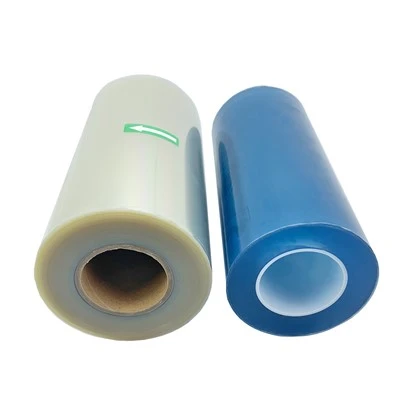
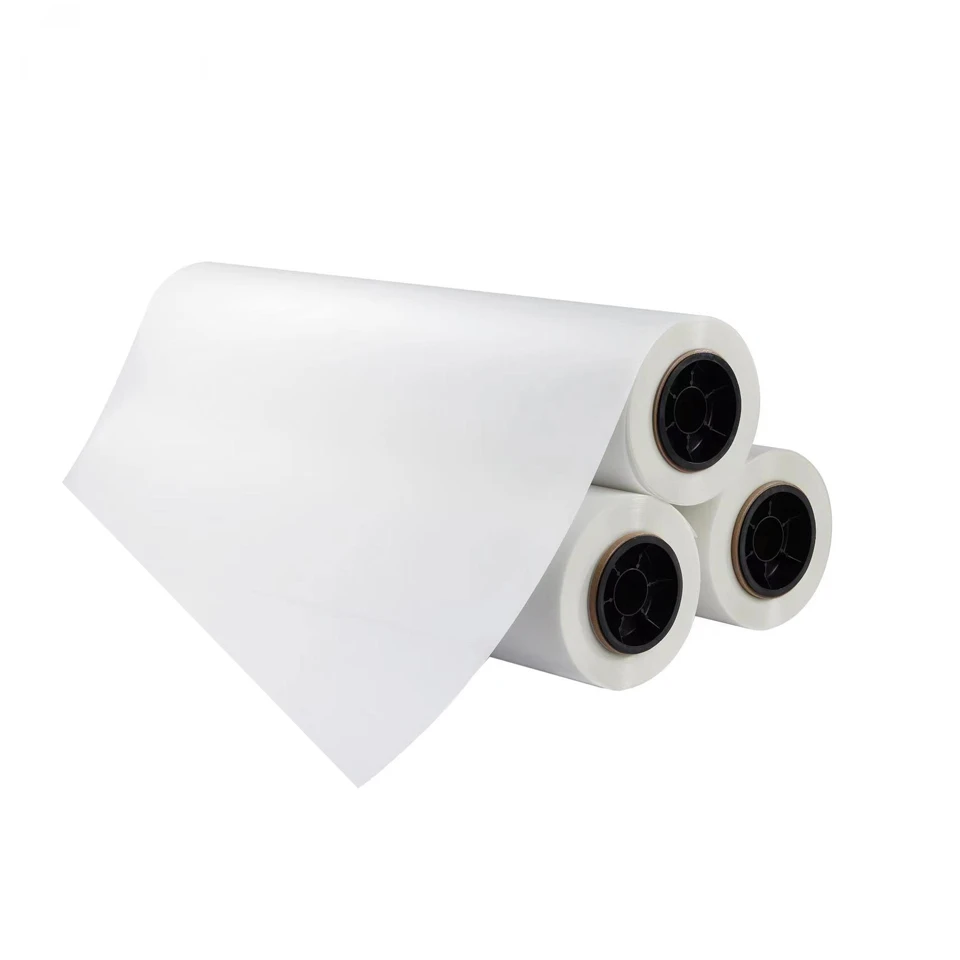
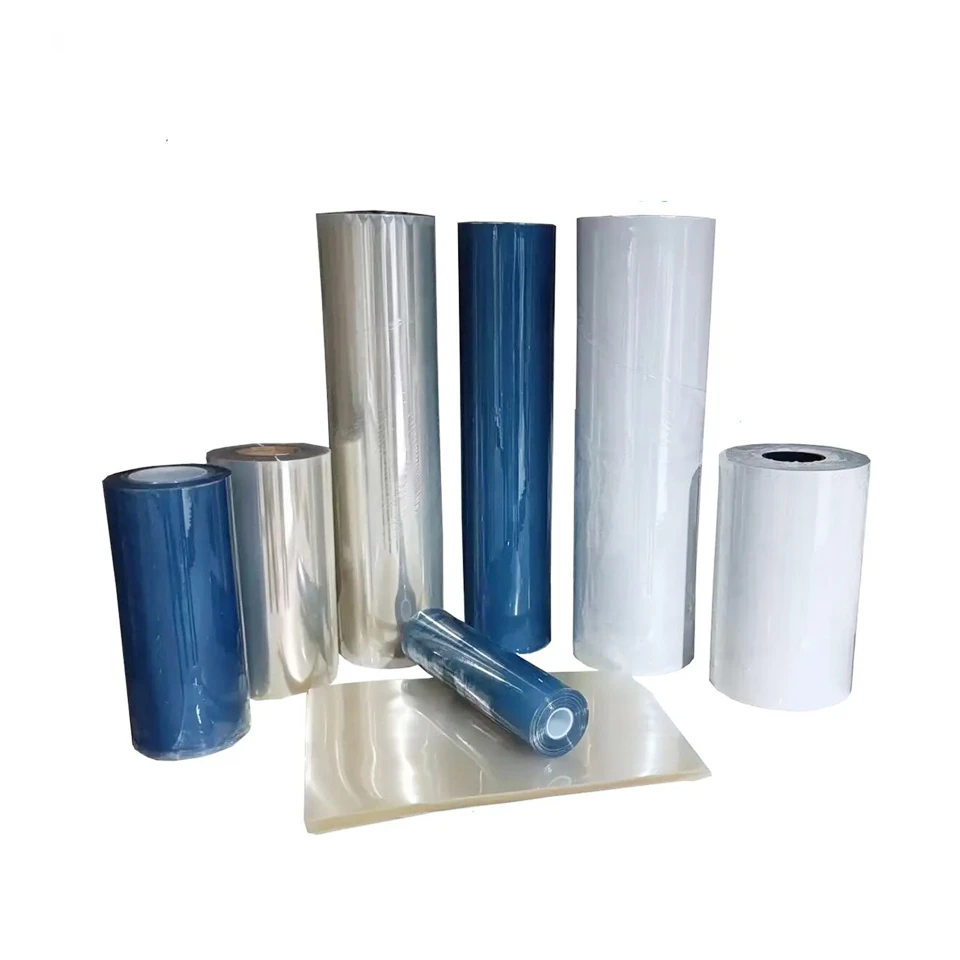
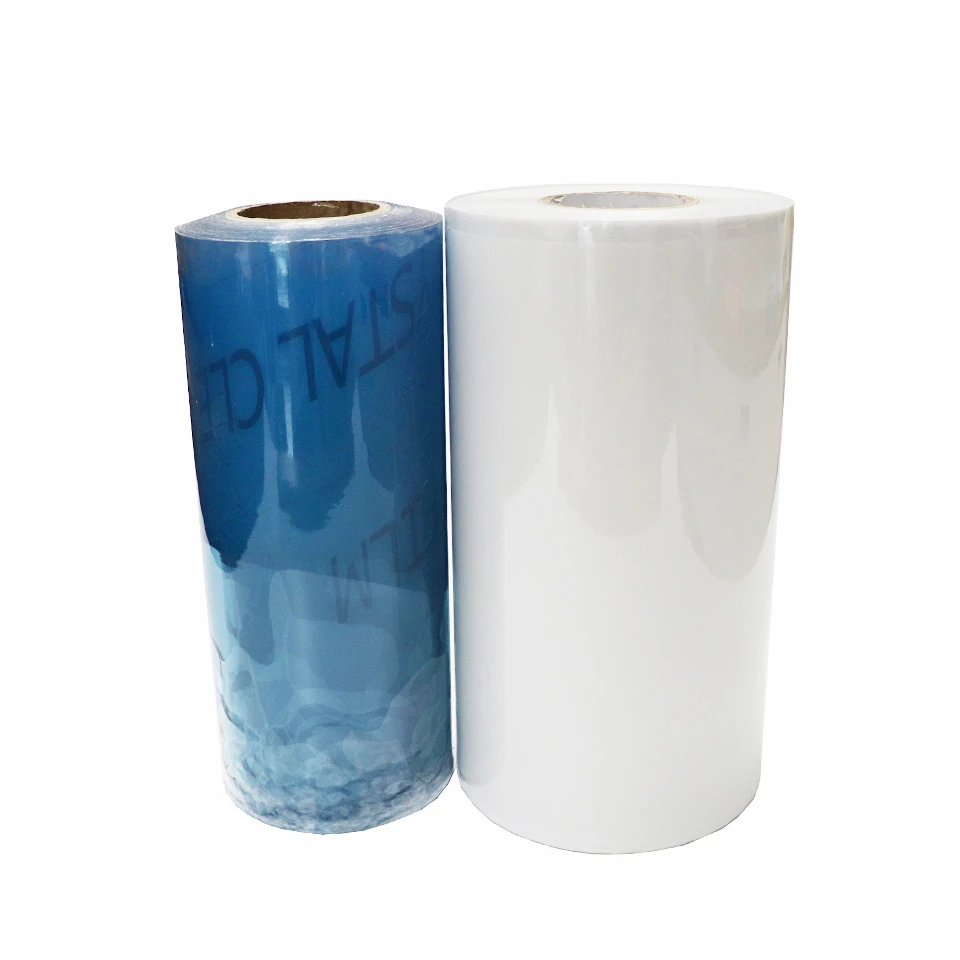
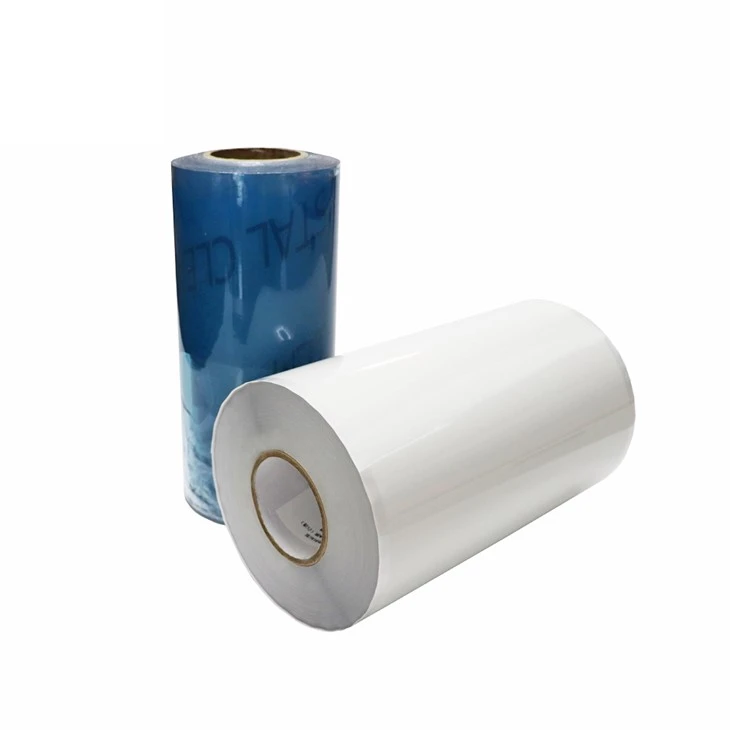
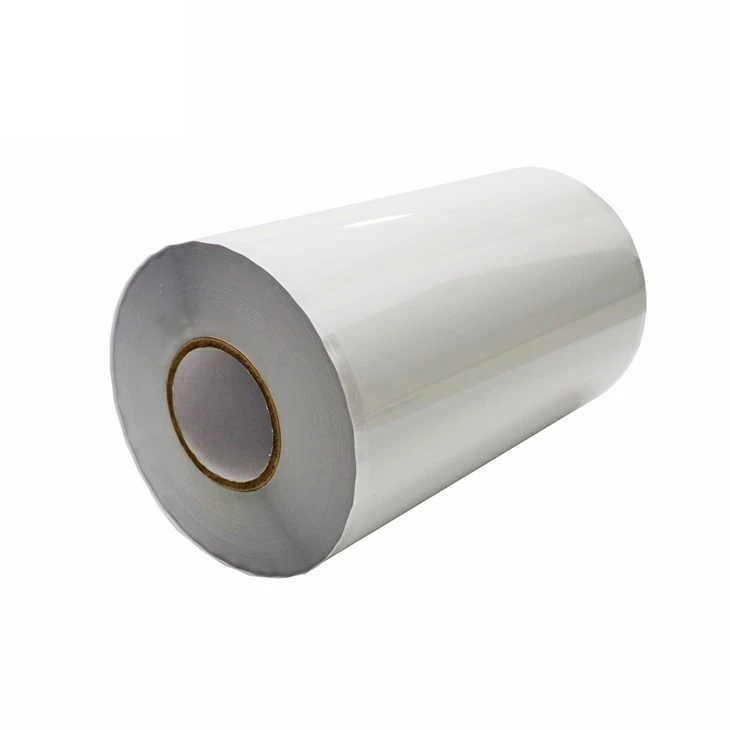
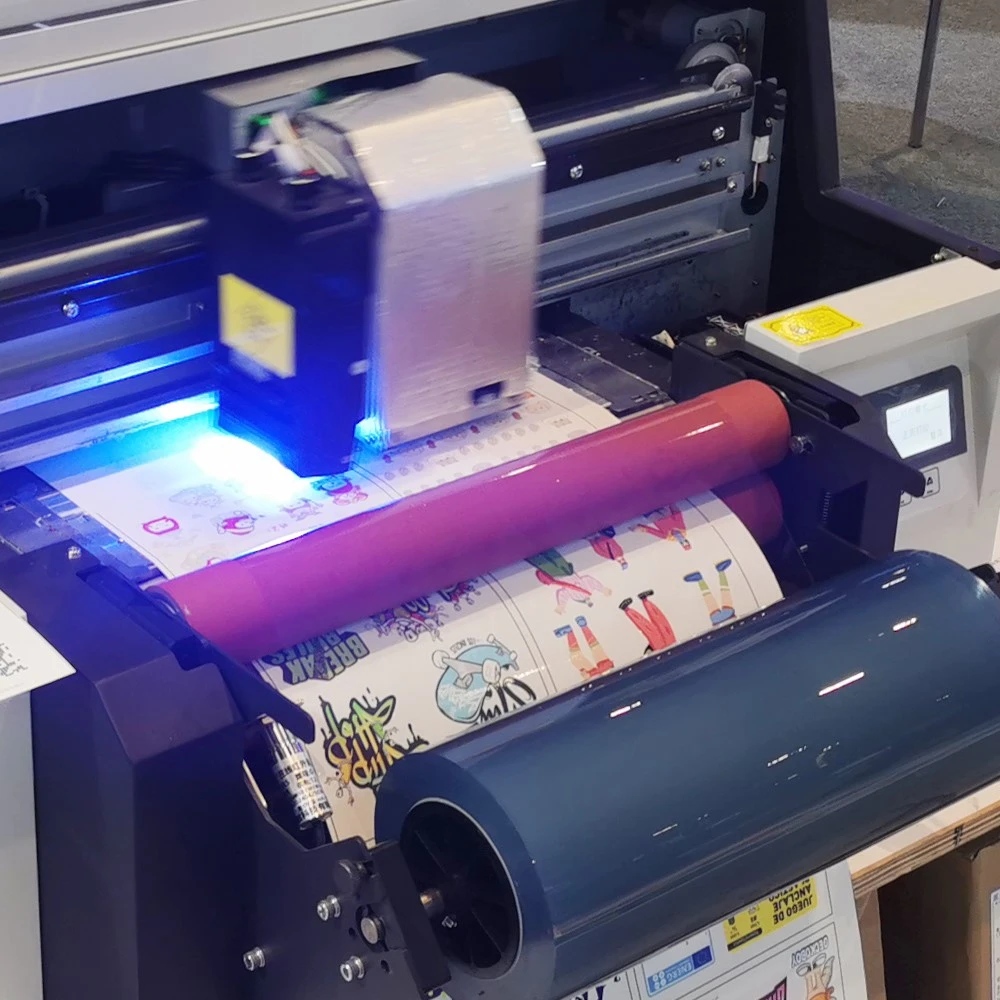
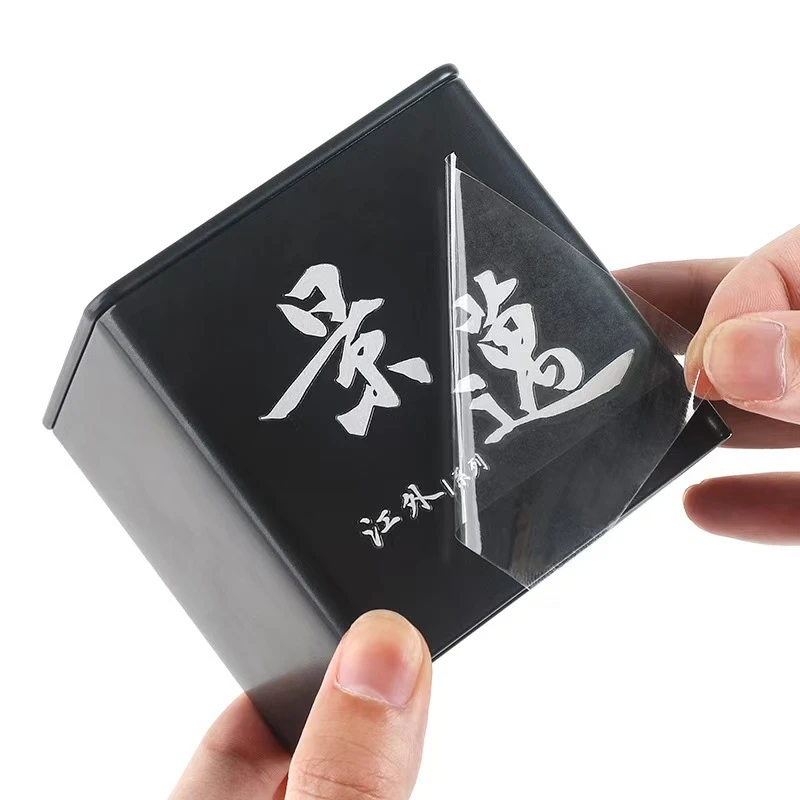
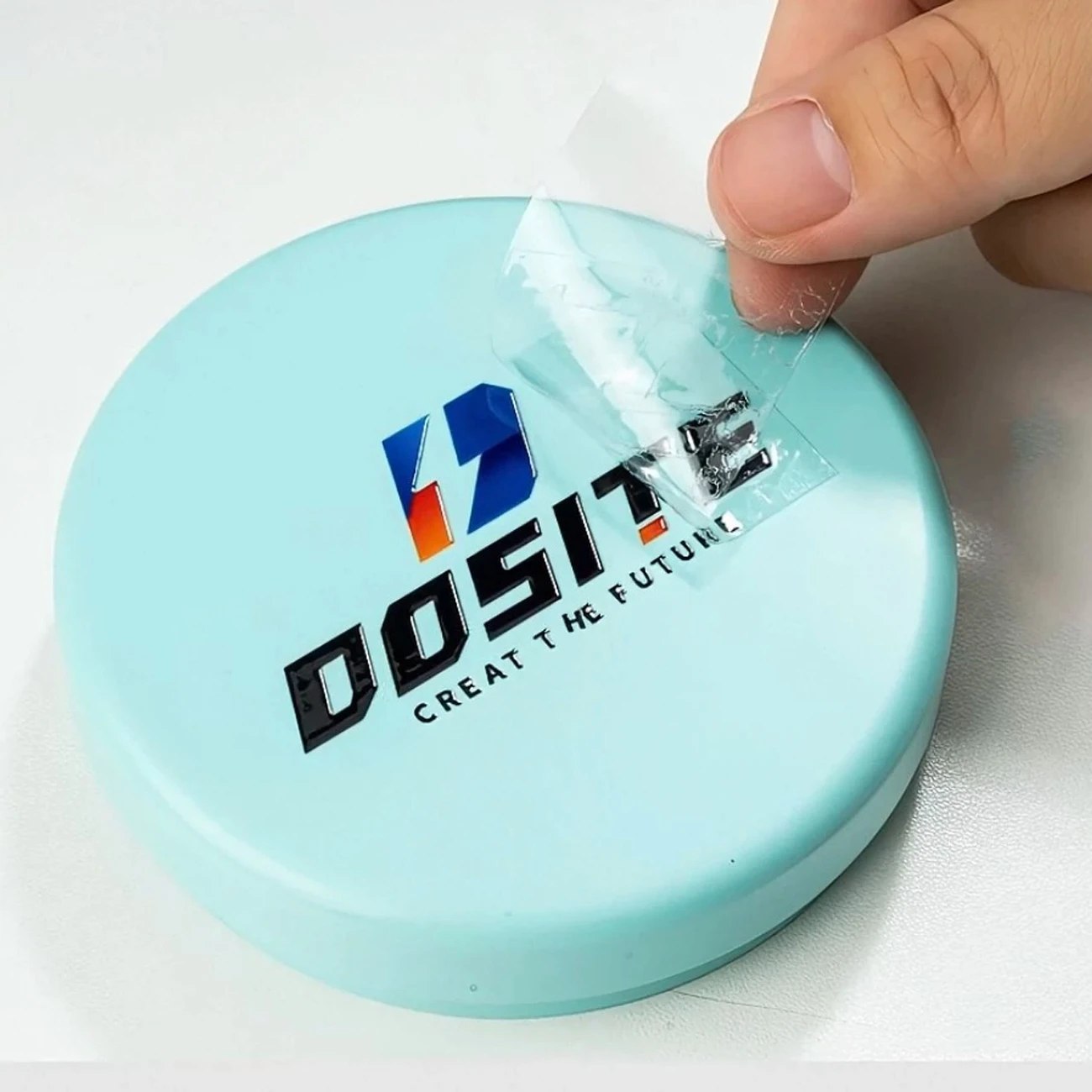
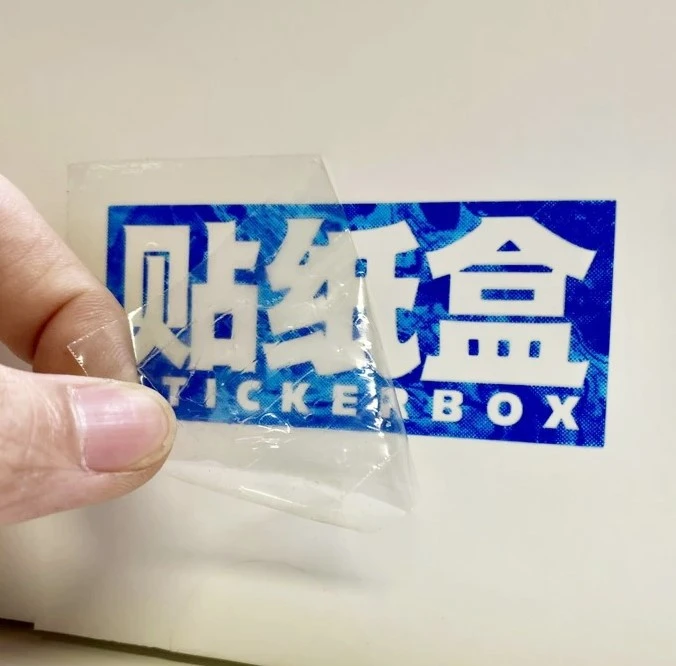
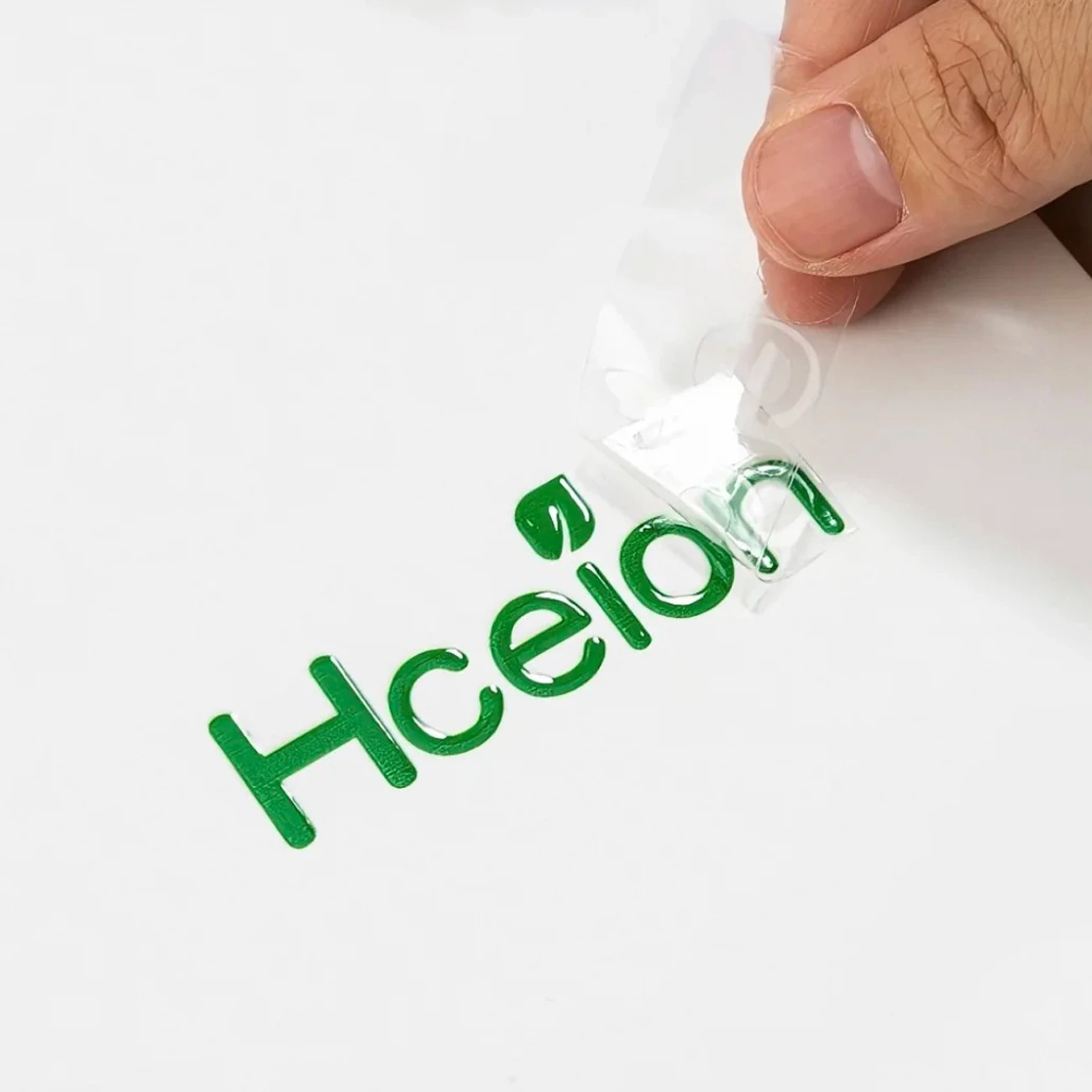
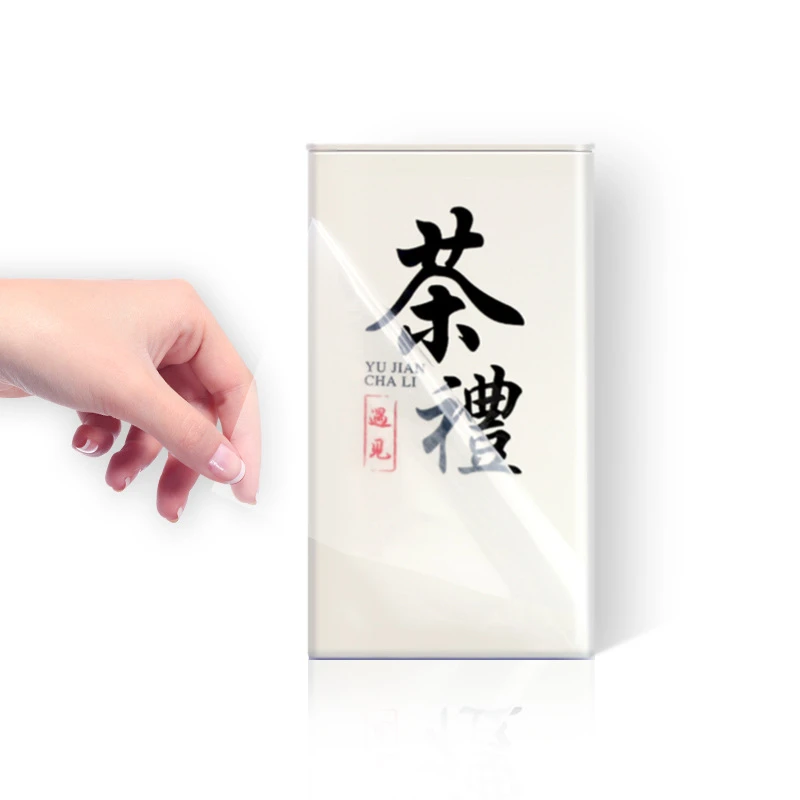
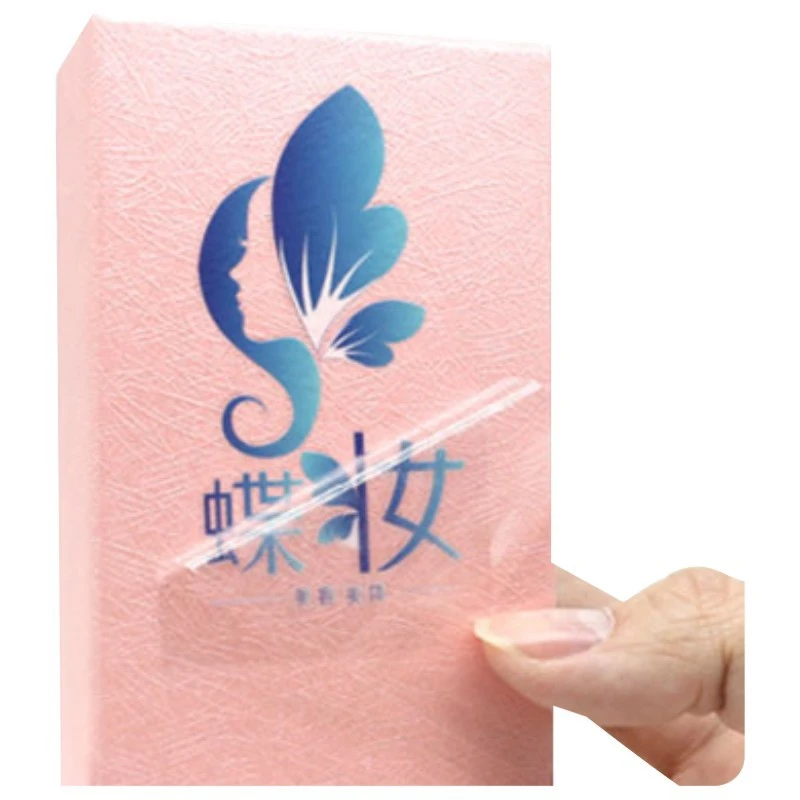
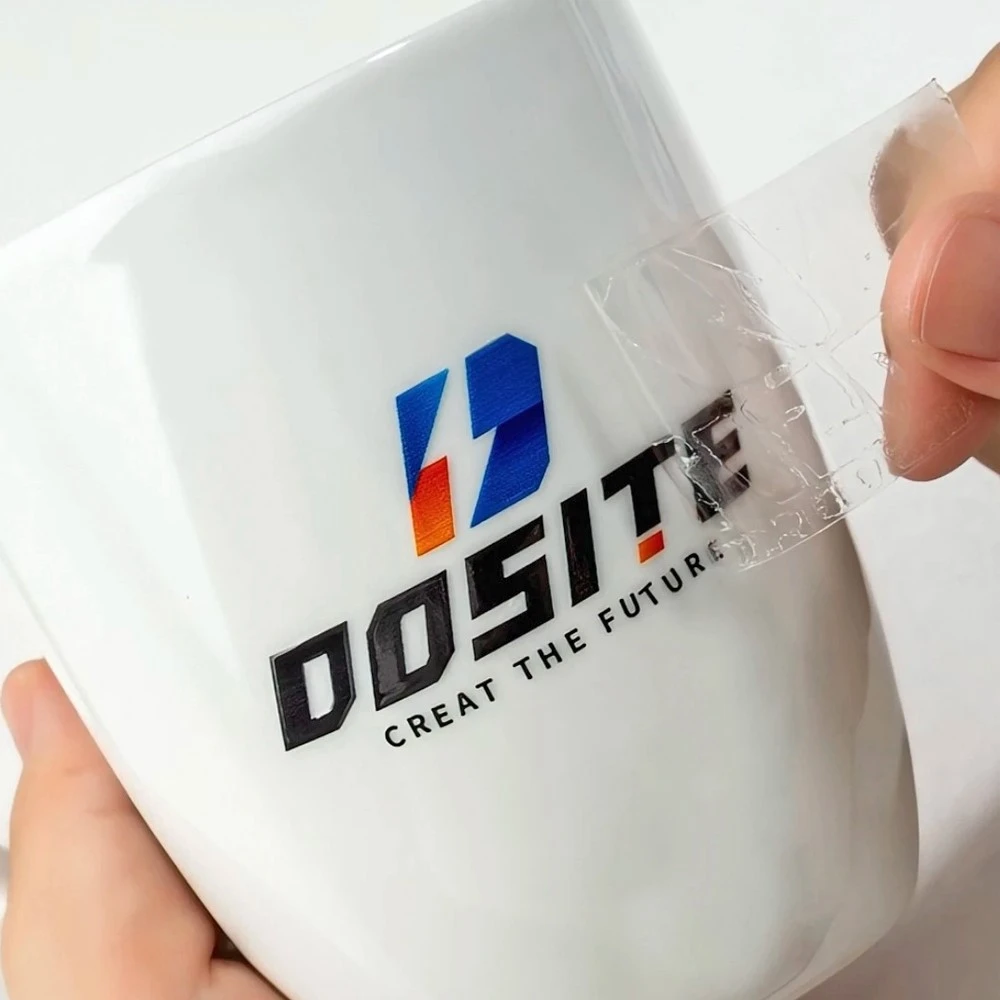
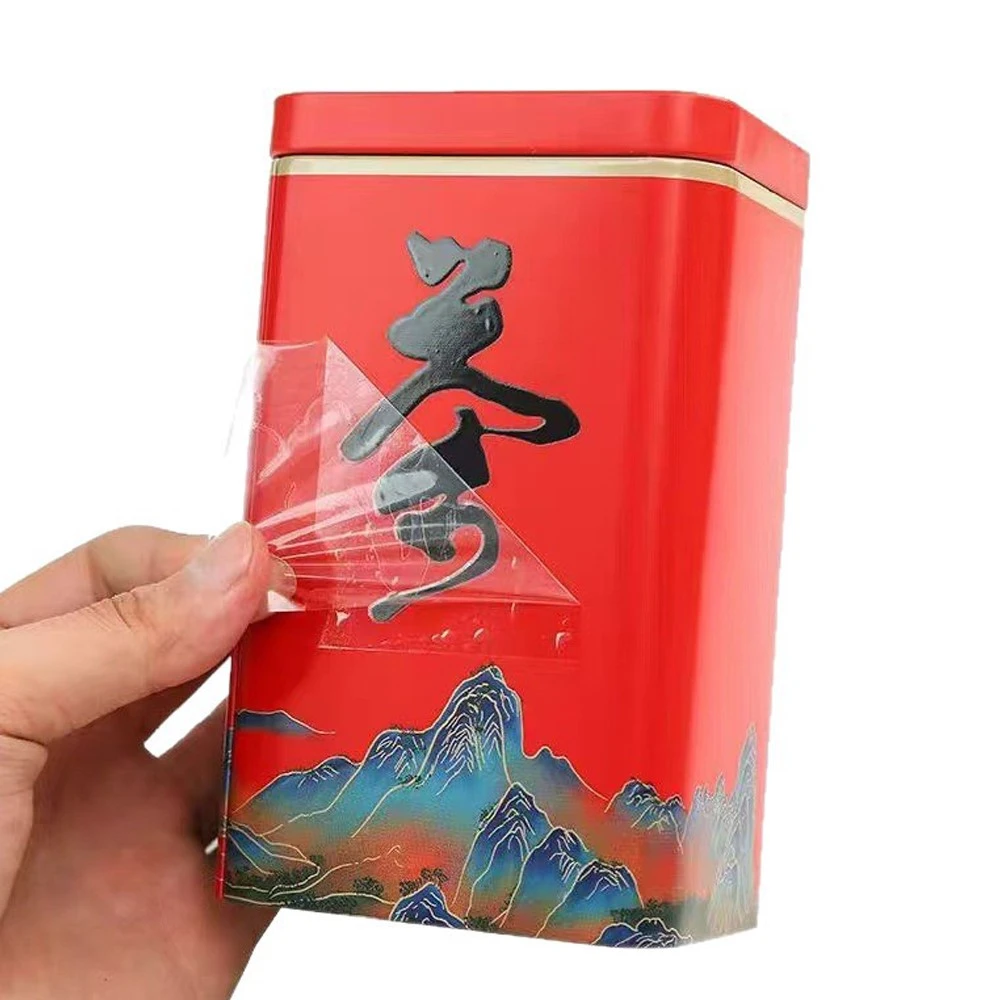
Kyeink UV DTF Transfer Film is made for UV DTF printing on hard surfaces. The A film uses a white base and provides a smooth printing surface for color, white and varnish layers. After printing and laminating, the finished graphic can be transferred directly onto the product surface.
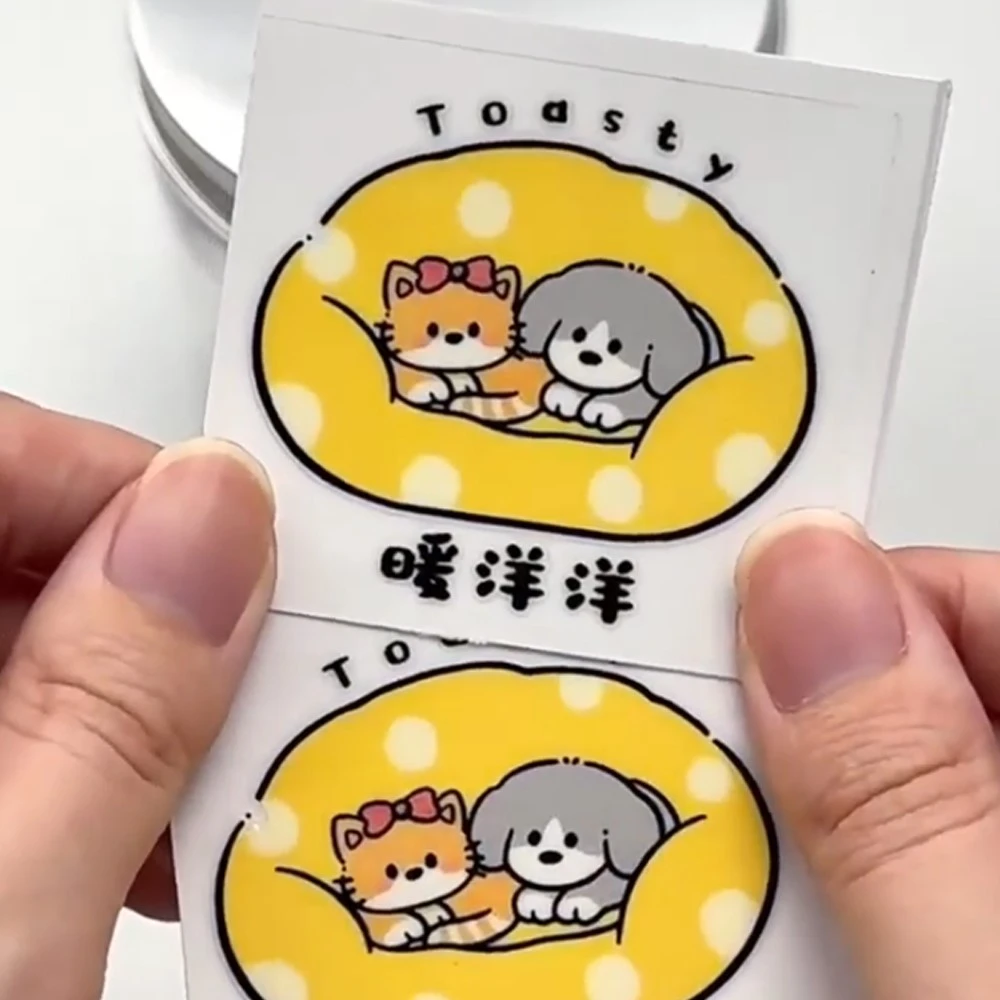
The film gives the printed design a glossy and clean appearance. It is suitable for logos, labels, decorative graphics and customized artwork where clear details and stable adhesion are required.
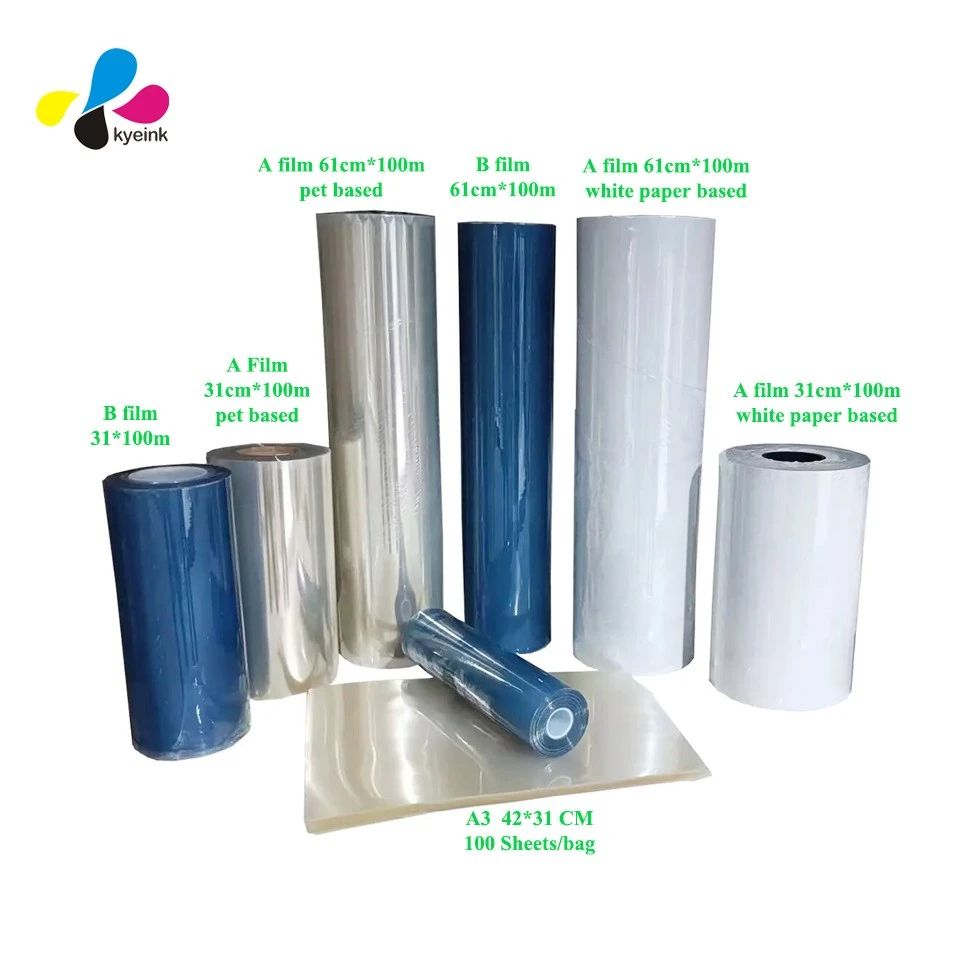
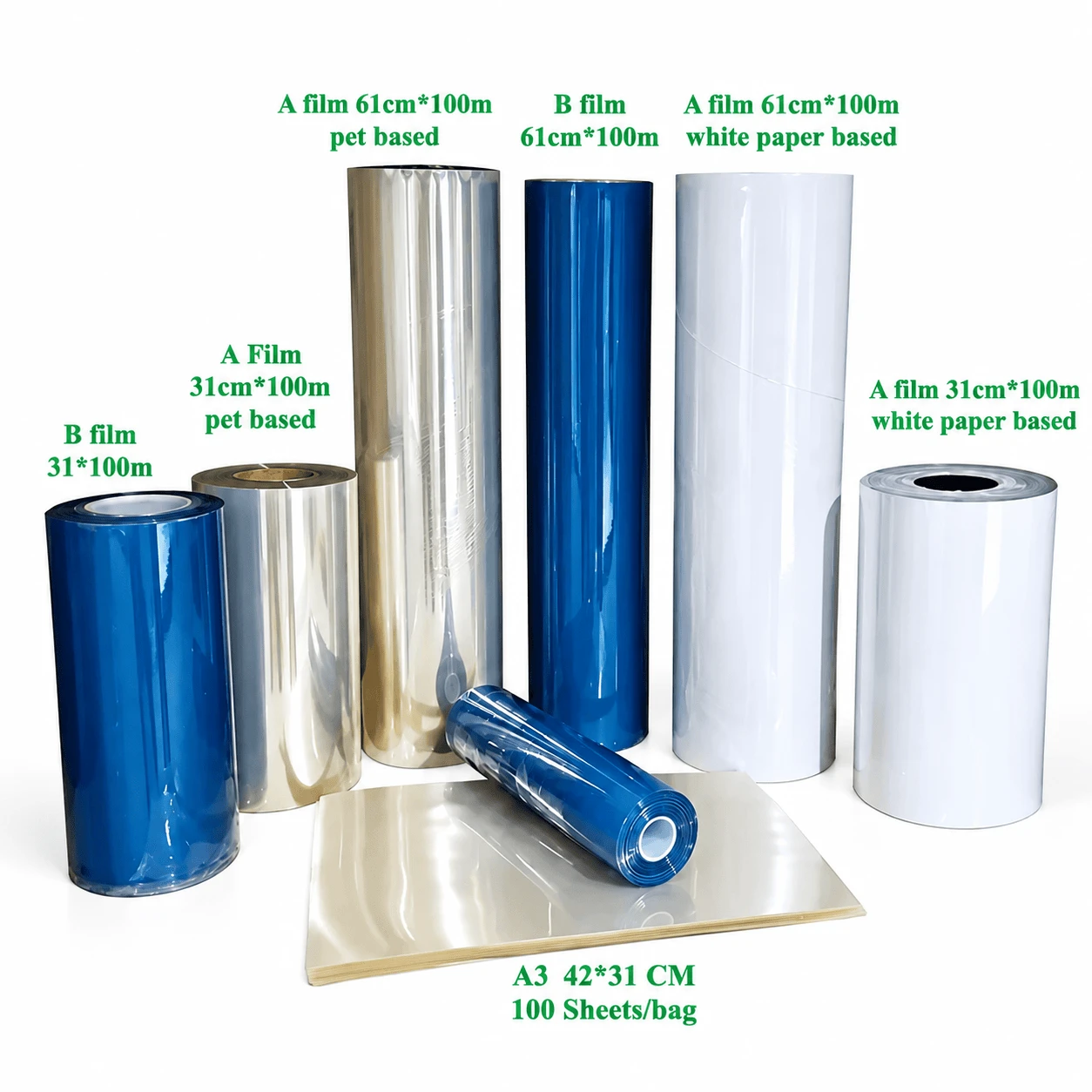
Film Size and Specification
- A Film: White based
- Size: 30cm × 100m / 60cm × 100m
- B Film: 30cm × 100m / 60cm × 100m
- Application: UV DTF transfer on hard surfaces
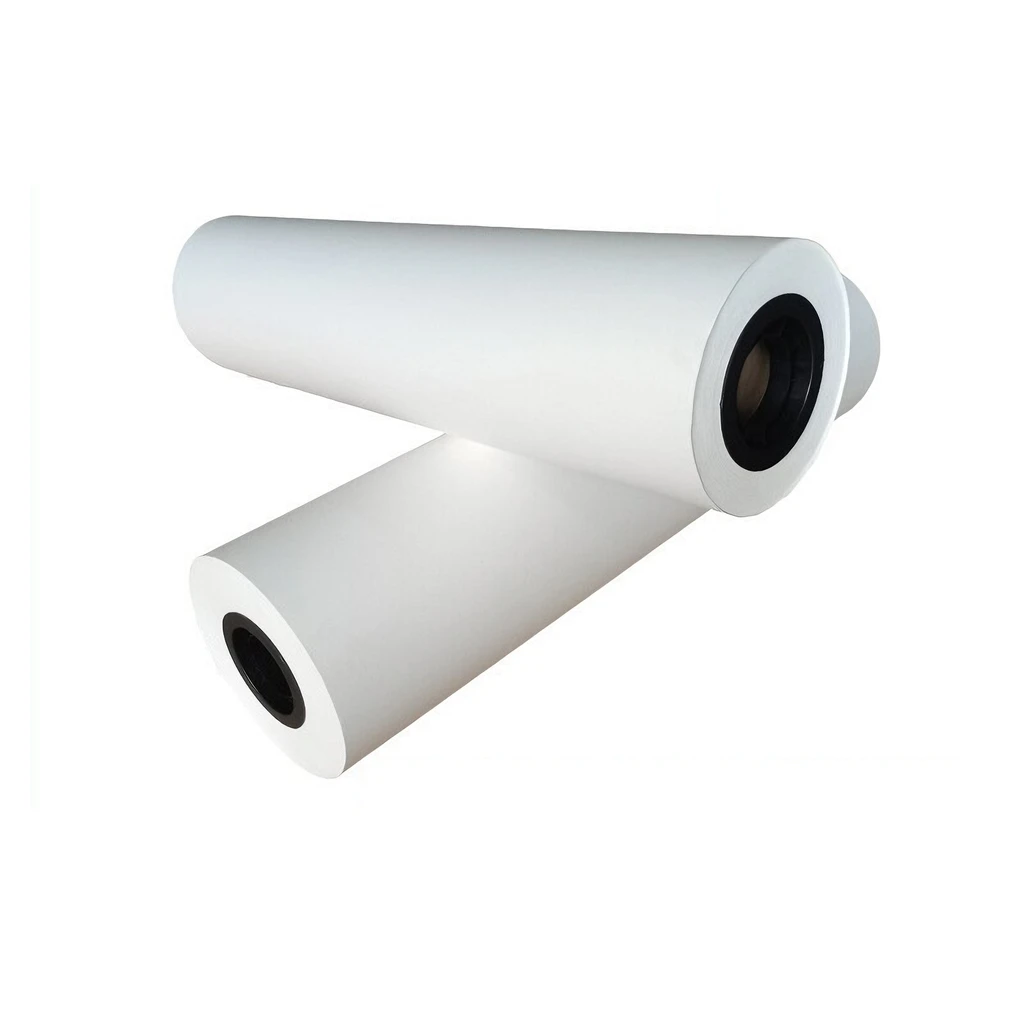
White-Based A Film
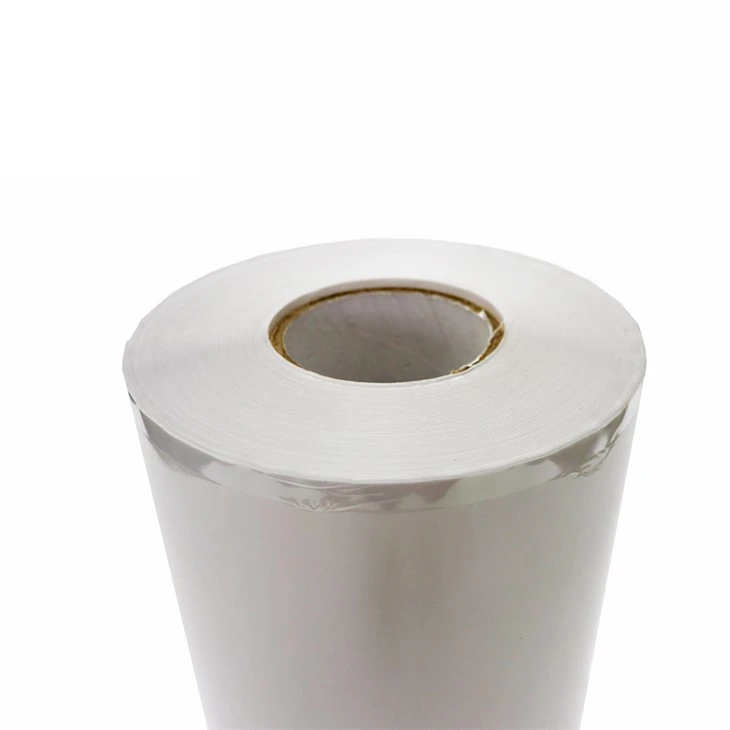
The white-based A film provides a visible working surface during printing and transfer preparation. It makes it easier to check design placement, printed areas and film handling.
The film supports detailed graphics, small text, logos and multi-layer UV DTF artwork
Printhead Options
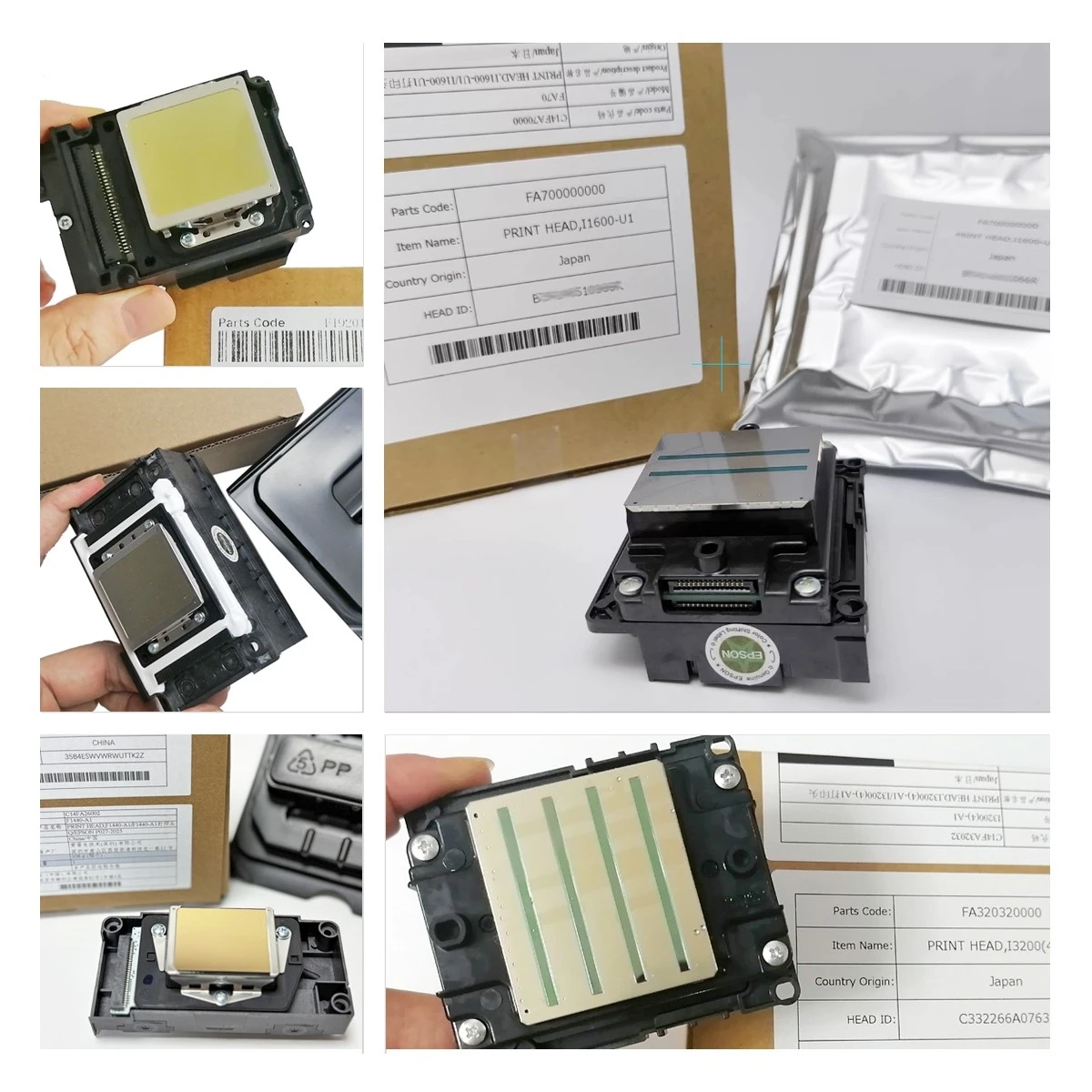
Suitable for UV DTF printers using:
- EPSON i3200
- EPSON i1600
- EPSON F1080
- EPSON TX800
Printer settings, ink system and lamination condition should be checked before mass production.
Main Film Performance
- Easy to stick and easy to peel
- No glue residue under proper application
- Excellent ink adhesion for clear details
- Good temperature resistance during normal use
- Glossy and clean finished look
- Suitable for small text and detailed graphics
Suitable Hard Surfaces
This UV transfer film works on many smooth, hard materials, including:
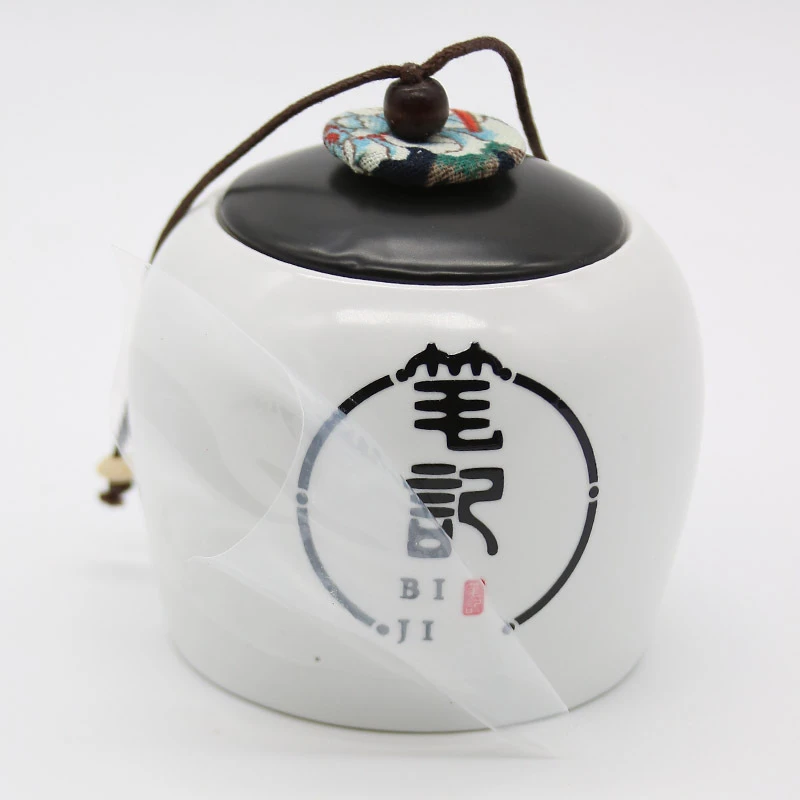
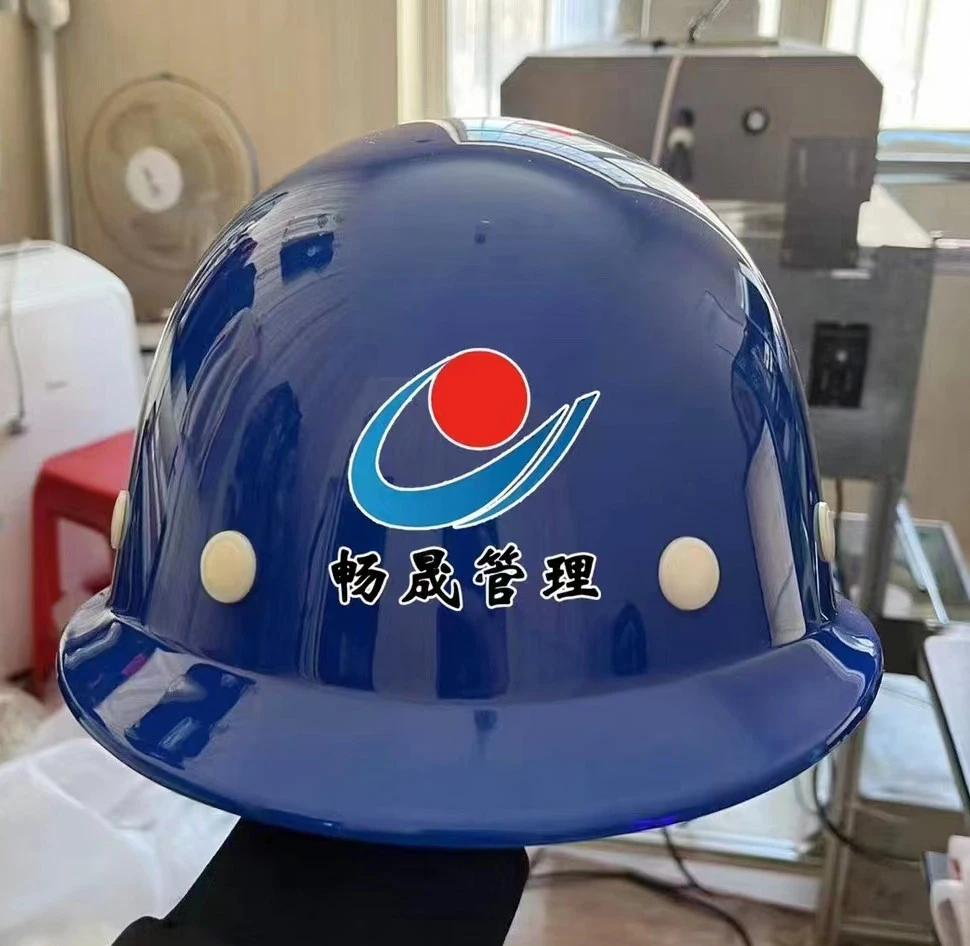
- Glass windows, acrylic and metal
- Mugs, bottles and drinkware
- Tablets, equipment and tool boxes
- Plastic, ceramic and gift items
- Product labels and branding
For better adhesion, the surface should be clean, dry and free of oil before application.
File setup
Before printing, check the artwork carefully:
Use clear, high-resolution files
Keep small text readable
Use transparent background where needed
Check white ink layer settings
Set varnish areas according to the required effect
Confirm print direction in RIP software
Avoid very thin lines that may be difficult to transfer
A small test print is recommended for new designs or new settings.
Application Notes
Clean the product surface first. Dust, oil and moisture can affect adhesion.
After positioning the transfer, press firmly over the entire graphic so the adhesive makes full contact. Avoid moving it again once it has been applied.
For rough or heavily textured surfaces, always test first.
FAQ
Q: What is the advantage of a white-based A film?
A: The white base makes the printing and working area easier to see during production, especially when checking artwork position and printed details before lamination.
Q: Can this film print small text and fine graphics?
A: Yes. The coated surface is suitable for logos, small text and detailed artwork. Very thin lines should still be tested before bulk production.
Q: Why does the transfer not stick well to some products?
A: Surface condition is important. Dust, oil, moisture, rough texture or special coatings may reduce adhesion. Clean the product first and test unfamiliar materials before large production.
Hot Tags: uv DTF transfer film, China uv DTF transfer film manufacturers, supplies, factory